What Is SMM Panel Refill? R30 vs Lifetime vs No-Drop and How to Claim a Refill
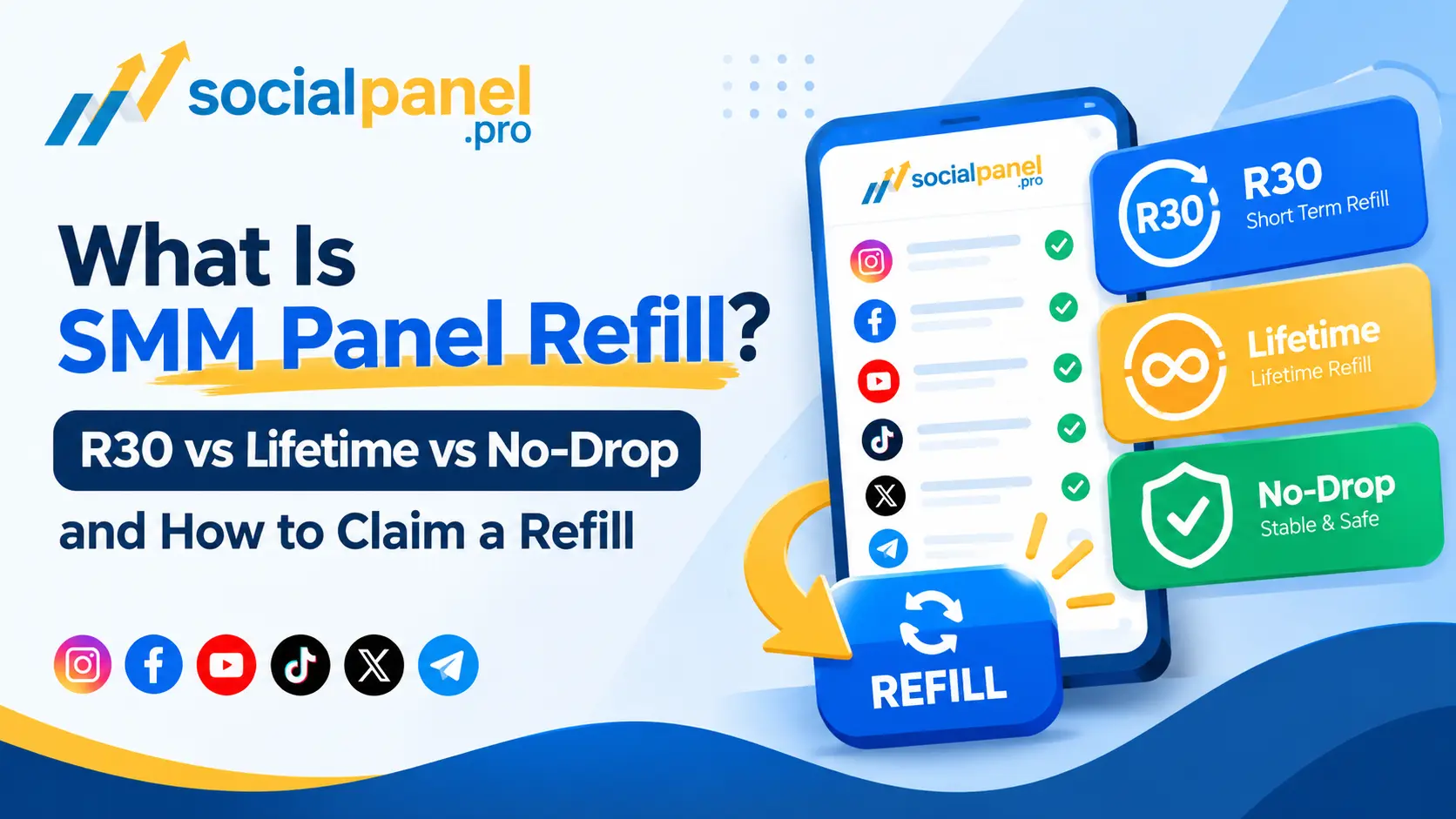
Your order shows as complete. The followers, likes, or views arrived. A week later the count has slid back down, and you are looking at a number smaller than what you paid for.
The first question is whether that loss
is covered — and the answer depends entirely on a short label you may have
scrolled past when you ordered.
This guide explains what refill means on an SMM panel, how
an R30 window differs from Lifetime refill and from a No-Drop label, how to
check whether an order is eligible, and why a refill request is sometimes
refused. Where SocialPanel.pro publishes a specific term, this article quotes
it; where a point is general industry practice rather than a documented
SocialPanel.pro policy, it says so plainly.
What Is Refill in an SMM Panel?
Refill is a panel's commitment to replace delivered units
that drop off after an order completes, free of charge, within a stated period
and on services that carry a refill term.
In plain terms: if you bought 1,000 followers and 150 of
them disappear inside the refill window, a refill sends the shortfall back to
the same target without charging you again. A refill restores the count you
ordered. It is not a refund, which returns money instead of units, and it is
not a promise that nothing will ever drop.
Why do delivered quantities drop at all? Social platforms
routinely remove inactive, bot-like, or policy-violating accounts in clean-up
waves. Suppliers source engagement from real pools that can be purged, so some
movement after delivery is normal in this market. Refill is how a service
handles that reality rather than pretending it does not happen.
Two things decide whether you are covered: whether the
specific service you ordered carries a refill term, and whether your claim
falls inside that service's window. Both are per service, not per panel. On
SocialPanel.pro, the refill term is published next to each service in the
platform rate tables — for example, Facebook Page Followers are listed as
"Up to 365 days" while Facebook Comments are listed as
"No-drop" — and the panel states that eligible services include
automatic refill of 30 to 365 days depending on the service.
What Does R30 Refill Mean?
R30 is shorthand for a 30-day refill window. The R stands
for refill and the number is the number of days the claim stays open.
The important detail is when those 30 days begin. In this
market the window usually runs from the date the order completes, not from the
date you notice the drop. That distinction matters: if you order on the 1st,
delivery completes on the 3rd, and you first spot the drop on the 28th, you may
have only a few days left rather than a full month.
R30 is the most common refill term you will see. On
SocialPanel.pro, several services are listed with a 30-day refill in the
platform tables, and the panel's stated range across eligible services is 30 to
365 days. The exact window for your order is whatever is printed on the service
you actually bought, so read that row rather than assuming the panel-wide range
applies to your specific order.
What Does Lifetime Refill Mean?
Lifetime refill means the refill claim has no fixed day
count attached to it. There is no 30-day or 365-day deadline written into the
term.
It does not mean the units are permanent, and it does not
mean unlimited replacements forever. In practice, lifetime is usually tied to
the life of the service listing itself. If a supplier is swapped out, a service
is retired, or the panel discontinues the row, a lifetime term tied to that
listing can end with it. Lifetime describes the absence of a deadline on the
claim; it does not override the service's other conditions.
SocialPanel.pro lists Lifetime as the refill term on certain
view-type services in its published tables — for example, Facebook Video and
Reels Views, Instagram Video and Reels Views, and YouTube Views are shown as
"Lifetime". As with every other term, the value on the specific
service you order is the one that governs your order.
What Does No-Drop Mean?
No-Drop is a claim about how a service usually behaves, not
a repair you can invoke. It means the seller expects the delivered units to
stay put because of the source quality.
That makes it fundamentally different from a refill term. A
refill tells you what happens if units do drop — a defined process restores
them. No-Drop tells you the seller does not expect them to drop, but it commits
to nothing if they do. Treating the two as interchangeable is the most common
mistake buyers make in this market.
No-Drop is also not the same as No-Refill. No-Drop is a
stability expectation that may sit alongside its own separate refill terms.
No-Refill means there is no replacement window at all. A service can be
labelled No-Drop and still carry a refill window, or be labelled No-Drop with
no refill attached — the label alone does not tell you which.
On SocialPanel.pro's published tables, "No-drop"
appears as the refill value on comment-type services such as Facebook Comments,
Instagram Comments, and YouTube Comments. Read it as an expected-behaviour
label rather than as a replacement guarantee.
R30 vs Lifetime vs No-Drop: What's the Difference?
|
Term |
What it generally means |
Refill period |
Can you claim a refill? |
Important limitation |
|
R30 |
Refill window written in days |
30 days from completion |
Yes, on the eligible service |
Window usually starts at completion, not when you
notice the drop |
|
R365 / up to 365 days |
Same claim, held
open much longer |
Up to 365 days |
Yes, on the
eligible service |
Longer windows
are honoured less consistently market-wide; confirm on the service row |
|
Lifetime |
No fixed day count on the claim |
Tied to the life of the service listing |
Yes, while the service and its terms still exist |
Not permanent retention; a retired or replaced
service row can end the term |
|
No-Drop |
Expected low
drop behaviour |
Not a refill
period |
Not by that
label alone |
A stability
expectation, not a repair; check whether a separate refill window also
applies |
|
No-Refill (or a dash "—") |
No replacement window |
None |
No |
Whatever drops after delivery is not replaced |
The clearest way to hold these apart: R30 and Lifetime are
remedies you can invoke, No-Drop is a description of expected behaviour, and
No-Refill is the absence of any remedy. Only the service row you ordered from
is binding.
How to Claim a Refill on an SMM Panel
SocialPanel.pro describes its refill as automatic on eligible services: its platform pages state that eligible services include automatic refill of 30 to 365 days so that drops are replaced free, and its reseller page states that if a drop happens within the guarantee window, the refill is automatic. That means on an eligible service you should not have to file anything for a routine drop inside the window. The steps below cover how to confirm coverage and what to do if an eligible drop was not replaced.
- Confirm
the order has finished. A refill is measured against a completed order. An
order still in progress, or one already marked partial, has different rules — a
partial has already refunded the portion that never arrived.
- Re-read
the service's own refill term. Open the service you ordered and read the refill
value printed on that row. That single value — 30 days, up to 365 days,
Lifetime, No-drop, or a dash — is the coverage for your order, not the
panel-wide range.
- Record the baseline. Note the order ID, the service, the quantity you bought, and the start count shown for the order. A drop is judged against that recorded baseline, and you cannot reconstruct it accurately later from memory.
- Check
that the window is still open. Count from the order's completion, not from the
day you noticed the loss.
- Keep
the target unchanged while the window runs. Do not rename the account, switch
it to private, or edit the post or link you ordered for. A changed target makes
the original delivery impossible to verify.
- Avoid
overlapping orders on the same link. Ordering the same service again, or from
another panel, onto the same target while a window is open muddies which units
dropped and can compromise the baseline.
- If
an eligible drop inside the window was not replaced, contact SocialPanel.pro
support with the order ID and the target details. Quote the order ID rather
than opening a new order, and let support review the eligibility.
- Follow
up politely and keep the reference. If support issues a refill reference for
the request, keep it — it is the handle for chasing anything still outstanding.
General industry practice, clearly labelled as such: many
panels expose refill as a button in the order history or as an action in the
reseller API. SocialPanel.pro's public pages describe refill as automatic on
eligible services rather than documenting a dashboard refill button, so check
your own dashboard and the service notes, and use support with the order ID if
no refill action is visible on an order you believe is eligible. This article
does not assume a specific button exists in your account.
Why Is Your SMM Panel Refill Not Working?
If a drop was not replaced, one of these is usually the reason. The exact conditions depend on the service you ordered, so treat this as a checklist to work through rather than a list of confirmed SocialPanel.pro policies — SocialPanel.pro ties refill coverage to the specific service's listed term and does not publish a separate detailed exclusion list on its public pages, so confirm anything unclear against your service notes or with support.
- The service does not carry a refill term. If the
refill value on the service row was "No-drop" or a dash, there is no
replacement window to claim against.
- The window has expired. Counted from completion,
not from when you noticed.
- The order is not eligible yet. Orders still in
progress, or already handled as partial, follow different rules.
- The target changed during the window. A renamed
account, a switch to private, or an edited post or link makes the original
delivery unverifiable.
- Another order overlaps the same link. A second
order on the same target during the window confuses the baseline and which
units dropped.
- The drop falls outside the service's terms. Some
services set thresholds or scope conditions in their notes.
- The request was submitted without the order ID.
Support can rarely act on a description alone; the order ID is what links the
claim to the recorded baseline.
- A processing delay on the panel or supplier side. Routine drops on eligible services are described by SocialPanel.pro as automatic, so a delay is worth raising with support rather than assuming the term does not apply.
How to Reduce Refill Problems Before Ordering
Most refill disputes are decided before the order is placed,
by how carefully the service was read.
- Read the service row, not the feature banner.
The refill value printed on the individual service governs your order.
- Confirm the refill window and whether it is
automatic or requires a request, before you pay.
- Understand what the label means. R30 is a 30-day
claim, Lifetime has no fixed deadline, and No-Drop is an expectation rather
than a repair.
- Keep the order ID and the start count. They are
the evidence for any later claim.
- Test eligibility on a small order first. A
low-cost order placed early tells you whether the service and its refill
actually behave as described, which is more useful than discovering it on a
large order weeks later.
- Compare terms, not only price. Two services at the same rate with different refill windows are not the same purchase.
One honest caveat worth keeping in view: a refill replaces
what was delivered, but it does not make purchased engagement permanent or
risk-free. Social platforms may remove inauthentic engagement at any time, and
repeated clean-ups can outlast any refill window. Treat refill as limited
protection with stated conditions, not as insurance against platform action.
Frequently Asked Questions About SMM Panel Refill
What does refill mean in an SMM panel?
Refill is a commitment to replace delivered units that drop
after an order completes, free, within a stated window and on services that
carry a refill term. It restores the quantity you ordered; it is not a refund
and not a promise of zero future drops.
What does R30 mean?
R30 means a 30-day refill window. The number is the number
of days the claim stays open, usually counted from the date the order completes
rather than from the date you notice the drop.
Is Lifetime refill really permanent?
No. Lifetime means there is no fixed day count on the claim.
It is generally tied to the life of the service listing, so retiring or
replacing that service can end the term. It does not mean the delivered units
are permanent or that replacements are unlimited.
Is No-Drop the same as No-Refill?
No. No-Drop is a claim that the service is expected to lose
few units; it restores nothing if units do drop. No-Refill means there is no
replacement window at all. A No-Drop service may also carry its own separate
refill term, so check the service row rather than inferring from the label.
Is refill automatic?
It depends on the service. SocialPanel.pro states that
eligible services include automatic refill of 30 to 365 days, so drops inside
the window are replaced free without a request. Some services elsewhere in the
market require a manual refill action or a support ticket instead. Check the
service notes for the order you placed.
Can I claim a refill after the refill period expires?
Usually not. The window is the substance of the promise.
Once it has closed, the replacement commitment has ended, which is why counting
from completion matters.
Why can a refill request be rejected?
Common reasons are that the service carries no refill term,
the window has expired, the target was renamed, made private or edited during
the window, another order overlapped the same link, or the request did not
include the order ID. Confirm the specific conditions on your service.
Is refill the same as a refund?
No. A refill sends more of what you bought to the same
target. A refund returns money to your balance or payment method. They are
separate remedies and a service may offer one without the other.
Can I request a refill while an order is processing?
No. Refill applies to delivered quantities that dropped
after an order completed. An order still in progress has not finished
delivering, so there is no completed baseline to measure a drop against.
How do I check whether my SocialPanel.pro order is eligible for refill?
Read the refill value published on the service you ordered —
SocialPanel.pro lists it next to each service in its platform tables, with
eligible services covering 30 to 365 days, Lifetime, or No-drop depending on
the service. If that value shows a refill window and your order is complete and
inside it, the refill is described as automatic. If a drop on an eligible order
was not replaced, contact support with the order ID.
Conclusion
Refill and drop-related labels answer different questions. A
refill window — R30, up to 365 days, or Lifetime — tells you what happens if
units disappear and gives you something to invoke. A No-Drop label only tells
you what the seller expects to happen. Before you order, read the refill value
on the individual service rather than the panel-wide feature line, keep the
order ID and start count, and keep the target stable while the window runs.
Those four habits decide whether a claim succeeds.
If you are comparing services and want to see the published
refill term next to each one, SocialPanel.pro's smm panel
tables list the refill window per service, and resellers who resell at their
own prices can review the same terms on the reseller
panel page. For a live example of a published per-service refill
column, the Facebook SMM panel page shows refill windows
beside each Facebook service.